Meltdown Manager
Warning ⚠️ control+W on wasm will close the current tab, and, control+shift+W will close the current window. It is very easy to accidentally press these key combinations
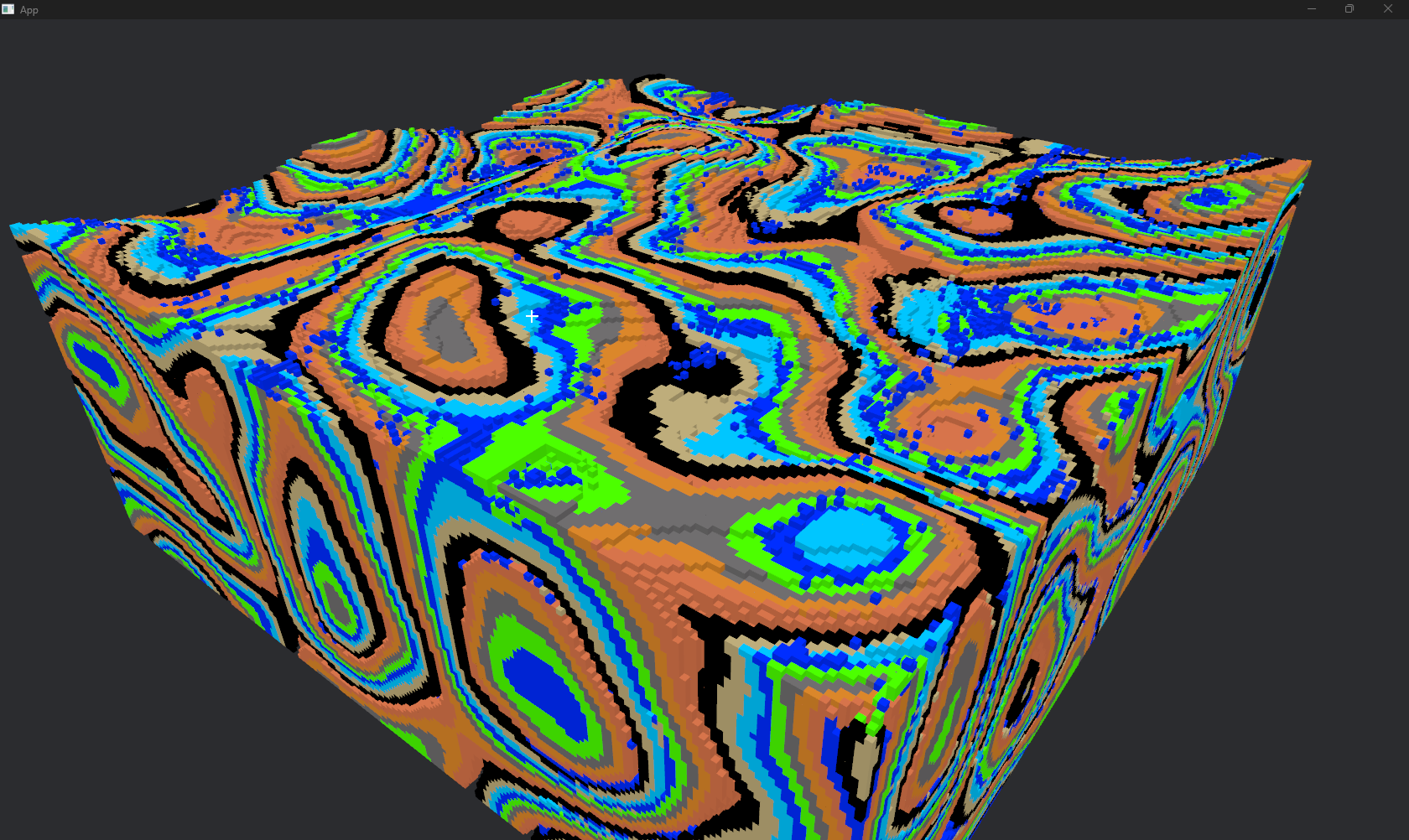
Meltdown Manager is a voxel simulator that we didn't find time to turn into a game.
There is a race condition when placing blocks, so it will take a few tries to get a block placement to stick -- more on this at the bottom
You can press F10 to pause the simulation.
Left-click to destroy a block
Right-click to place a block
Middle-click(MM) for diagnostics of the block you are looking at
'T` toggle air in diagnostics
`C` to toggle the crosshair
`~` to open the console
- use 'Save' to save a chunk or the whole world
- use `Load` to load a saved chunk or world
- use 'export' to get a base64 string of a chunk/world/save
- use 'import' to import a base64 string of a chunk/world/save
- as well as some debug commands
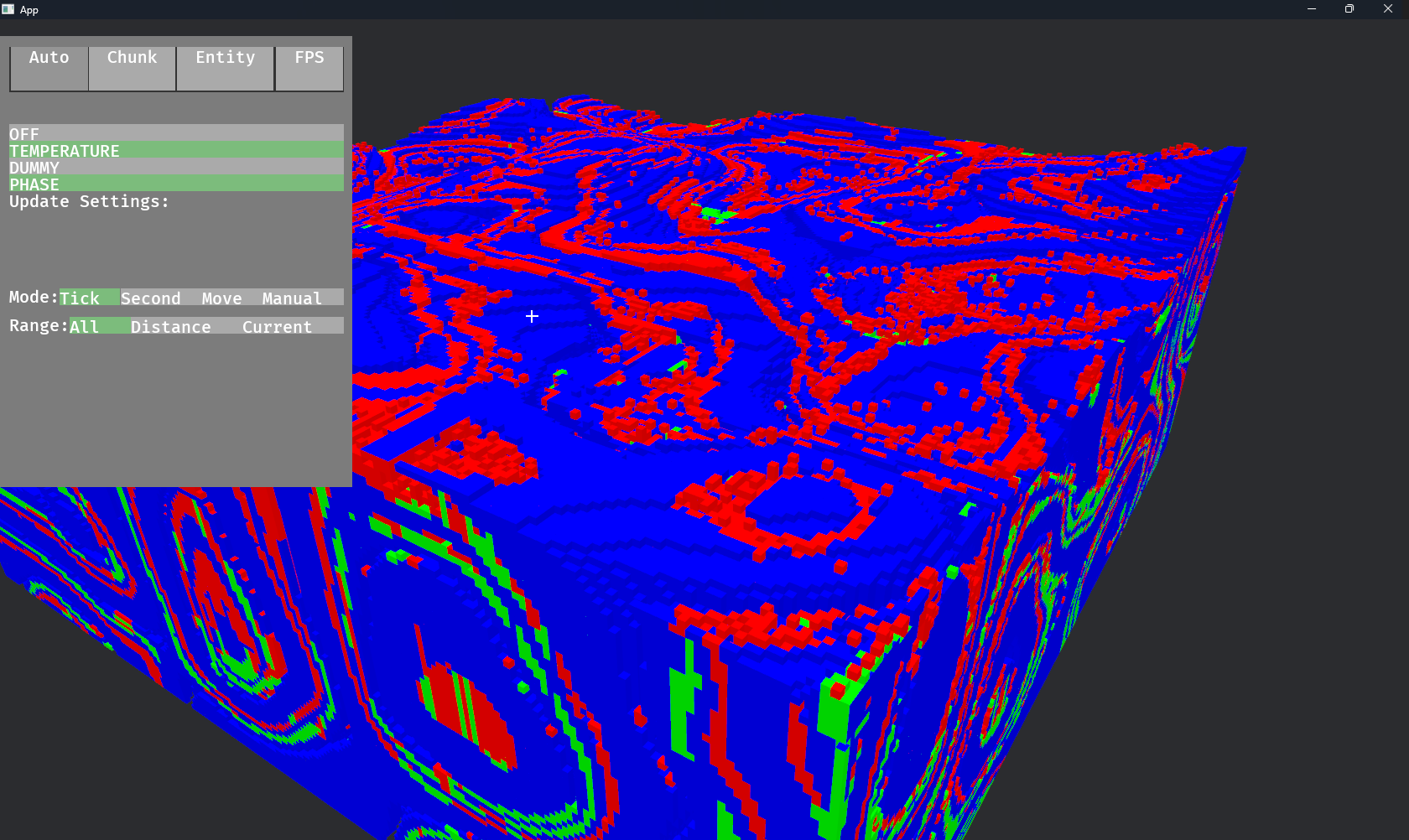
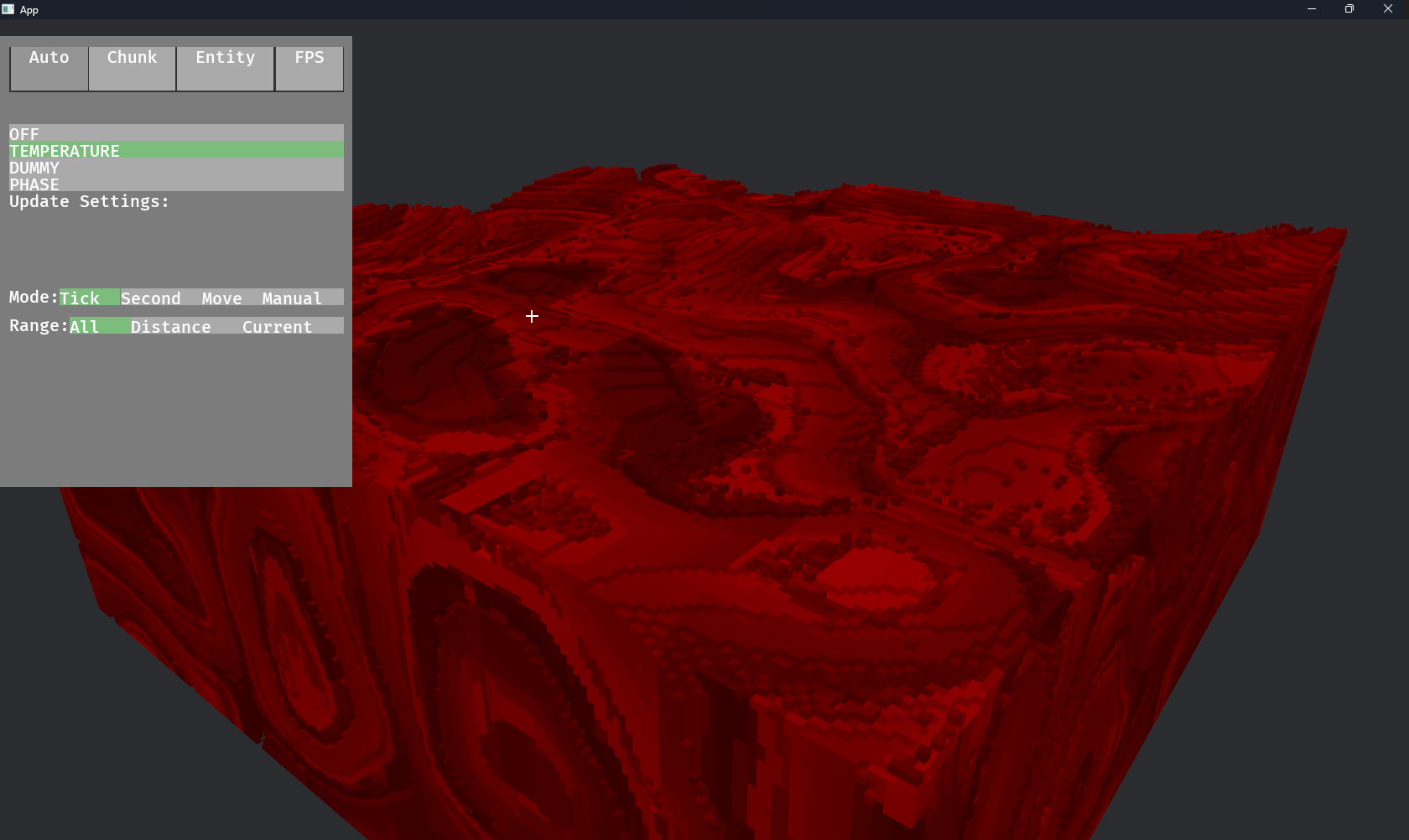
Press F3 to open the debug viewer (added before we set up the console)
- Here you can see the fps
- Entities spawned
- If not on the web, there is also a tool to visualise temperature and the Phase of blocks
to make the base64 strings smaller; they strip out all the state of blocks, and are intended as a way of sharing an initial setup.
If you want to share a one-for-one copy, save, then use export on a saved world or chunk, this will keep the state intact at the cost of an uncompressed file
Helpful commands
-empty chunk with rubber | wax base
`import chunk x y z UGhveEsBAAAAAAAAAAsIAAoHAAoIAAoHAAoIAAoHAAoIAAoHAAoIAAoHAAoAA4Q`
-show all chunk boundaries
`highlight on`
-pot of water
`import chunk x y z UGhveEsBAAAAAAAAAHsIAAoHAAoIAAoHAAoIAAoHAAoIAAoHAAoIAAoHAAoAANUDAAMAAAYDAAUAAAQDAAcAAAMDAAcAAAMDAAcAAAQDAAUAAAYDAAMAACMDAAYAAAQDAAIAAAMDAAIAAAIDAAIAAAEFAAMAAAEDAAEAAAIDAAIAAAEFAAMAAAEDAAEAAAIDAAIAAAEFAAMAAAEDAAEAAAMDAAIAAAMDAAIAAAQDAAUAAAYDAAMAABADAAUAAAQDAAIAAAMDAAIAAAIDAAIAAAUDAAIAAAEDAAEAAAIFAAMAAAIDAAEAAAEDAAEAAAIFAAMAAAIDAAEAAAEDAAEAAAIFAAMAAAIDAAEAAAEDAAIAAAUDAAIAAAIDAAIAAAMDAAIAAAQDAAUAAC4FAAMAAAcFAAMAAAcFAAMAAE0FAAMAAAcFAAMAAAcFAAMAAE0FAAMAAAcFAAEAAAEFAAEAAAcFAAMAAE0FAAMAAAcFAAEAAAEFAAEAAAcFAAMAACw`
This is fixed in the Git version, if you want to make a save there and import it into the Jam version. I'm not sure if that's the spirit of the Jam or not. There are no changes made to the logic of the simulation, it is purely about user experience.
In the jam version, it is entirely RNG as to whether a block is placed successfully or not; if the chunk has already been simulated for the tick, it will not have the new block when the update is applied once all chunks have been simulated.
Download
Click download now to get access to the following files:
Leave a comment
Log in with itch.io to leave a comment.